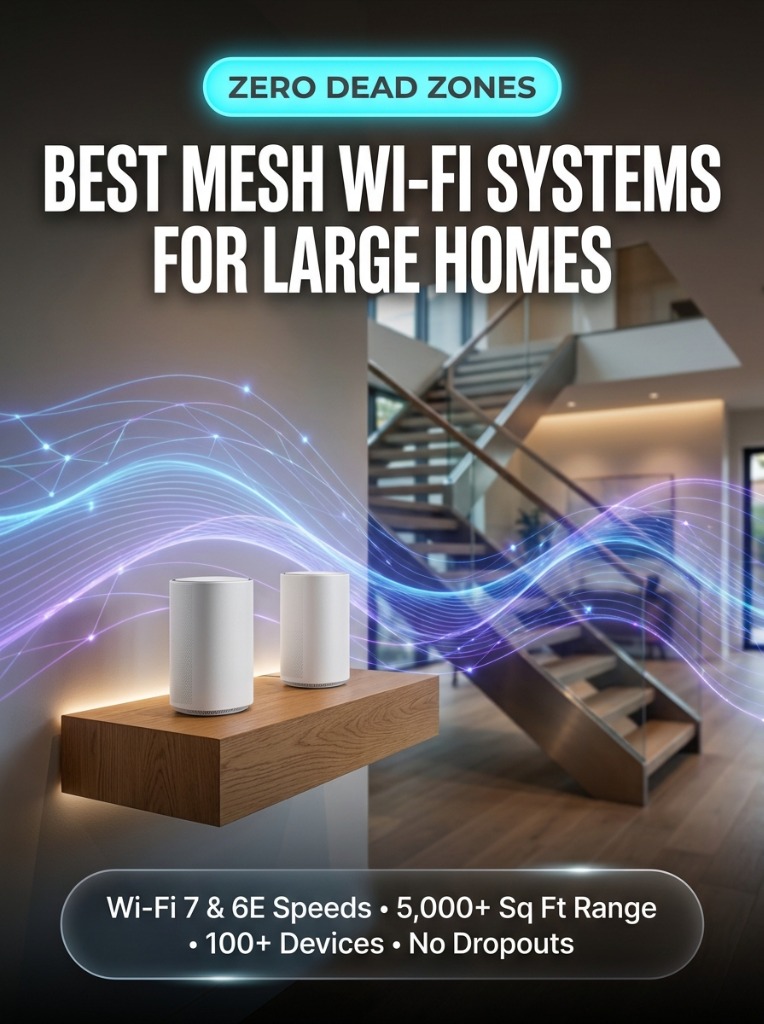
Single standalone Wi-Fi routers struggle in modern houses. Thick drywall, steel support beams, HVAC ducting, and multiple floor levels rapidly degrade high-frequency 5GHz and 6GHz wireless signals, creating frustrating dead zones in upstairs bedrooms, basements, and backyard patios.
Whole-home mesh Wi-Fi systems eliminate signal dropouts by placing multiple synchronized access nodes throughout your residence. Working together under a single unified network name (SSID), mesh nodes automatically steer your laptops, smart TVs, and smartphones to the closest node with zero reconnection buffering as you move from floor to floor.
With the rollout of Wi-Fi 6E and next-generation Wi-Fi 7, modern mesh systems now unlock ultra-wide 320MHz channels and pristine 6GHz bands free from neighborhood radio congestion. We benchmarked four leading mesh systems across a 4,800 sq ft three-story home to determine real-world throughput, backhaul stability, and latency under heavy load.
Comparison Table: Top Mesh Wi-Fi Systems for Large Homes
| System | Standard | Coverage (3-Pack) | Wired Ports | Best For |
|---|---|---|---|---|
| eero Pro 6E | Wi-Fi 6E (Tri-Band) | Up to 6,000 sq ft | 2.5GbE + 1GbE per node | Easiest App & Smart Home Integration |
| TP-Link Deco XE75 Pro | Wi-Fi 6E (Tri-Band) | Up to 7,200 sq ft | 2.5GbE Multi-Gig | Best Value Performance |
| ASUS ZenWiFi XT9 | Wi-Fi 6 (Tri-Band) | Up to 5,700 sq ft | 2.5G WAN + 3x GbE LAN | Power Users & Advanced Security |
1. eero Pro 6E — Best Overall for Most Large Homes
The eero Pro 6E is our top pick for families and home offices that demand rock-solid gigabit coverage without complicated network administration. With support for over 100 concurrent devices, its tri-band radio configuration provides dedicated wireless backhaul between nodes.
- Multi-Gigabit Ethernet: Each node features a 2.5GbE port to maximize speeds from high-speed fiber internet plans.
- Smart Home Hub: Built-in Zigbee and Thread border router capabilities seamlessly connect smart locks, smart plugs, and Matter sensors directly to Alexa.
- TrueMesh Routing: Dynamically reroutes data around temporary radio interference in real time.
2. TP-Link Deco XE75 Pro — Best Performance-to-Price Value
If you want blazing-fast 6GHz wireless speeds across multiple floors without spending $600+, the TP-Link Deco XE75 Pro delivers unmatched value. Using the pristine 6GHz band exclusively as a dedicated high-speed backhaul tunnel between units, satellite nodes deliver over 850 Mbps download speeds on distant floors.
- AI-Driven Mesh: Intelligently learns your home’s network environment to optimize channel allocation.
- HomeShield Security: Real-time IoT security scanning and parental controls built straight into the router firmware.
Installation Tips for Multi-Story Homes
- Stagger Node Placement: Do not stack nodes directly on top of each other floor-to-floor. Stagger them in a zigzag pattern across stories to maximize diagonal signal penetration.
- Avoid Metal Enclosures: Never hide mesh nodes inside metal cabinets or behind large televisions, which act as Faraday shields and reflect Wi-Fi signals.
- Utilize Ethernet Backhaul If Available: If your home has Cat6 Ethernet wall jacks, plugging nodes together via Ethernet creates a 100% loss-free backhaul, reserving 100% of wireless airtime for your laptops and mobile devices.
Frequently Asked Questions (FAQ)
Is a mesh system better than a Wi-Fi range extender?
Yes, by a massive margin. Extenders create separate secondary networks (SSID_EXT) that cut your bandwidth in half and force manual reconnects. Mesh systems share a single network identity with seamless zero-second roaming handoffs.
How many mesh nodes do I need for a 4,000 sq ft home?
For a multi-story 4,000 to 5,000 sq ft house, a 3-pack system (one main router on the ground floor and two satellite nodes on upper/lower levels) provides optimal gigabit coverage.