
Affiliate Disclosure: This post may contain affiliate links. If you purchase through links on our site, we may earn an affiliate commission at no extra cost to you.
Imagine holding the future in your hands. That’s what your smartphone offers you every day.
It’s more than just a device; it’s your gateway to endless possibilities. But are you using it to its full potential? With features evolving constantly, understanding the different modes of your smartphone can unlock a new level of convenience and efficiency in your life.
Whether you’re looking to enhance productivity, boost your creativity, or simply streamline your daily activities, knowing how to navigate your smartphone’s modes is crucial. By exploring these features, you can transform your phone into a powerhouse tailored to your unique needs. Ready to discover how your smartphone can work smarter for you? Let’s dive in and explore the secrets that will change how you interact with your device forever.
Exploring Secret Menus
Exploring secret menus in smartphones can be intriguing. These hidden features unlock new ways to personalize your device. Many users are unaware of these options. Yet, they offer deeper control over your smartphone’s functions. Let’s dive into two secret menus you might find fascinating.
Accessing Developer Options
Developer Options is a hidden menu. It provides advanced tools for tech-savvy users. To access it, go to your device’s settings. Scroll down to “About Phone.” Tap “Build Number” seven times. You might need to enter your security pin. After this, Developer Options will appear in your settings menu.
This menu offers various features. You can enable USB debugging. This helps in connecting your phone to a computer. You can also tweak animations to speed up your device. Remember, use these options with care. They can affect your phone’s performance.
Unveiling System Ui Tuner
System UI Tuner is another secret menu. It allows customization of your phone’s interface. Accessing it is simple. Pull down your notification shade. Press and hold the gear icon for a few seconds. You will see a message confirming the activation.
With System UI Tuner, you can adjust the status bar. Choose which icons to show or hide. Personalize your phone’s interface to your liking. You can also tweak notifications and other settings. Explore these features for a tailored smartphone experience.
Enhancing User Experience
Smartphones have become an integral part of our daily lives. They serve as more than just communication tools; they enhance our experience and make tasks simpler. But how can you make your smartphone truly work for you? Let’s dive into the specifics and see how customizing settings and gesture controls can elevate your phone usage.
Customizing Quick Settings
Have you ever felt overwhelmed by the endless options in your smartphone settings? You’re not alone. Customizing quick settings can streamline your access to essential features. Consider rearranging your icons for easier access to Wi-Fi, Bluetooth, and flashlight. This saves you precious seconds when you’re in a hurry.
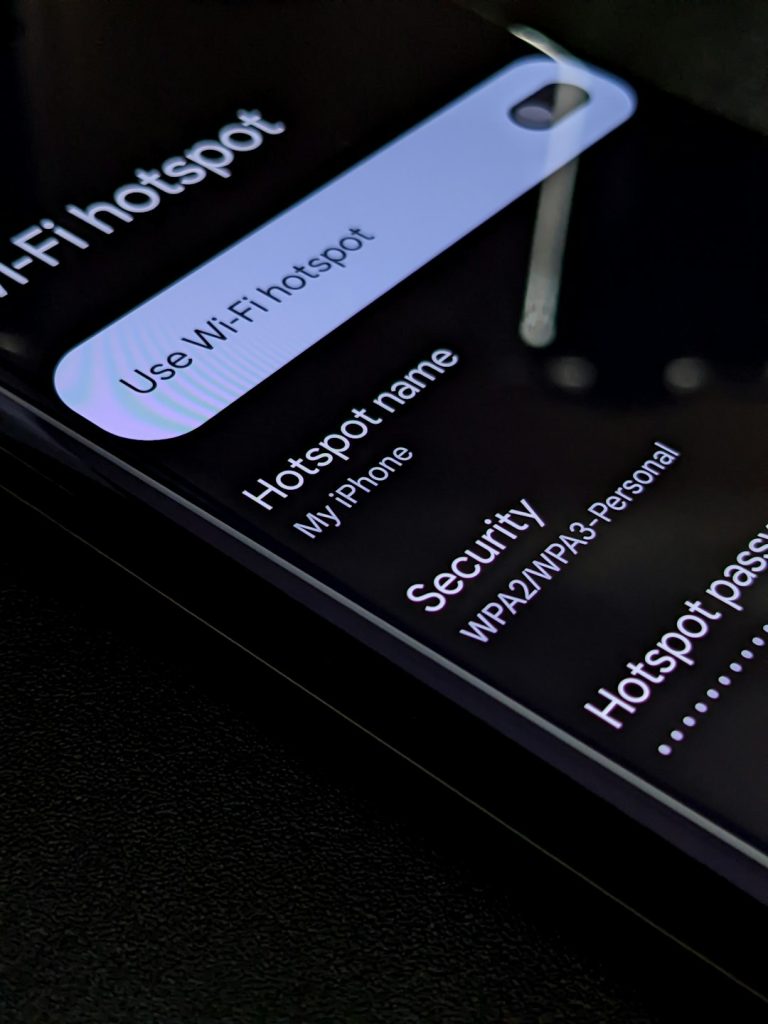
Think about the last time you needed to turn on your mobile hotspot for a friend. With customized quick settings, you can do it in a flash. Take a few minutes to explore what settings are available. You might discover tools you never knew existed. You control what you see first, making it easier to navigate daily tasks.
Activating Gesture Controls
Gesture controls can be a game changer. Imagine swiping your hand to answer calls or navigate through photos without touching your screen. This feature can make life a little easier, especially when multitasking or during a workout. It’s like having a magic wand at your disposal.
Set up a simple swipe to switch between apps, or pinch to zoom in on pictures. These gestures make interactions more intuitive and fun. Try experimenting with different gestures to see what feels natural for you. How often do you find your hands full and wish you could control your phone? Gesture controls can be your secret weapon.
Embrace these practical changes and watch how your smartphone becomes an extension of yourself. What other ways can you think of to personalize your phone experience? These small tweaks can lead to a significant improvement in how efficiently you use your device.
Boosting Performance
Smartphones are essential in daily life. Boosting their performance can improve your experience. Faster apps, longer battery life, and smooth navigation are achievable. Let’s explore ways to enhance your phone’s performance.
Optimizing Battery Usage
Battery life is crucial for smartphone users. Screen brightness drains the battery fast. Lowering brightness helps conserve energy. Enable adaptive brightness for better efficiency. Use battery saver mode during low battery times. This reduces power usage by limiting background activities. Avoid letting apps run in the background unnecessarily.
Managing Background Apps
Background apps slow down your phone. They consume memory and data. Close apps you don’t use often. Limit app refresh rates. This prevents apps from using data in the background. Check app settings regularly. Disable auto-start for apps not required immediately. Regularly clearing cache can also free up memory.
Privacy And Security Features
In today’s digital age, ensuring your smartphone’s privacy and security is no longer optional—it’s essential. With increasing threats from hackers and data breaches, safeguarding personal information has become a top priority. Thankfully, smartphones today come equipped with robust privacy and security features. These features not only protect your data but also give you peace of mind in your daily digital interactions.
Enabling App Permissions
Have you ever wondered why apps ask for permissions like accessing your camera or contacts? It’s because they need specific data to function correctly. However, not all apps need all permissions they request. You have the power to control these settings.
By scrutinizing app permissions, you can decide which apps have access to sensitive information. Regularly review and adjust permissions in your settings. This small step can make a big difference in maintaining your privacy.
Imagine avoiding a situation where a gaming app suddenly accesses your location. By enabling permissions wisely, you ensure that apps only access data necessary for their functionality. It’s a straightforward approach to protect your personal space.
Utilizing Secure Folders
Secure folders act like a digital vault on your smartphone. They allow you to store sensitive files and apps away from prying eyes. Have you ever had that moment of panic when handing your phone to someone else?
Secure folders alleviate that anxiety by ensuring that private content remains hidden. Setting up a secure folder is simple. You can often do it through your phone’s security settings.
Think of secure folders as a personal locker. Only you have the key, and you decide what goes inside. It’s a practical way to ensure that your confidential files remain protected, even if your phone falls into the wrong hands.
Privacy and security features on smartphones are like your digital shield. They are powerful tools you can use every day to safeguard your personal information. Are you making the most of these features? Take a moment to explore your settings and enhance your smartphone’s security. Your future self will thank you.
Advanced Camera Techniques
Smartphone cameras have evolved significantly, offering advanced features that empower you to capture stunning images. Whether you’re aiming for professional-looking shots or unforgettable memories, mastering advanced camera techniques can make all the difference. In this section, we’ll explore how you can elevate your photography skills with your smartphone.
Mastering Pro Mode
Have you ever wondered how to take control of your smartphone camera settings? Pro Mode is your answer. It allows you to manually adjust settings like ISO, shutter speed, and white balance. This is where you become the director of your own photography.
Imagine you’re at a beach during sunset. By adjusting the shutter speed, you can capture the motion of the waves smoothly. Lowering the ISO in bright conditions helps prevent overexposure, ensuring the colors pop.
Experiment with different settings. Ask yourself, how does changing the ISO impact the noise in your photo? Try altering the white balance to see how it affects the mood. The more you explore, the more you learn what works best for different scenarios.
Exploring Night Photography
Night photography can seem intimidating, but smartphones have made it accessible for everyone. With features like Night Mode, you can take clear and vibrant pictures even in low-light conditions.
Think about a city skyline at night. Use Night Mode to capture the lights without losing detail. Hold your phone steady or use a tripod for sharper images. A steady hand can make your night shots look professional.
Try capturing the stars or the moon. Ask yourself, how can you make the most out of the available light? Look for interesting shadows and highlights. These tiny adjustments can turn an ordinary night scene into something magical.
Advanced camera techniques are all about practice and experimentation. What will you capture next with your smartphone camera? Your journey into the world of photography starts here, with just a few taps and tweaks.
Credit: media.hubtas.com
Connecting With Smart Devices
Smartphones today connect effortlessly with smart devices, enhancing everyday living. Mode Smartphone simplifies this interaction, creating seamless experiences. Users enjoy an intuitive interface, making technology accessible to all.
Connecting with smart devices is becoming essential in our increasingly digital world. Your Mode Smartphone is more than just a communication tool; it’s a hub for connecting all your devices seamlessly. Imagine dimming the lights or adjusting the thermostat from your phone. That’s not a futuristic dream, but a reality you can experience right now.
Using Nfc And Bluetooth
NFC, or Near Field Communication, lets you connect devices just by bringing them close to each other. Think of it as a digital handshake. You can use NFC to pair your phone with wireless headphones without fumbling through settings. It’s fast and efficient. Bluetooth, on the other hand, allows for more flexible connections over longer distances. With Bluetooth, you can stream music from your phone to speakers across the room. Have you ever wondered why your phone can pair with your car’s audio system? That’s Bluetooth working its magic. The beauty of NFC and Bluetooth is their simplicity, making everyday tasks smoother. You’ll find yourself saving time and effort by using these features to link your devices.
Integrating With Smart Home Systems
Your smartphone can be the command center for your smart home. You can control everything from security cameras to kitchen appliances with just a few taps. Ever found yourself cozy on the couch but forgot to turn off the kitchen light? Your Mode Smartphone lets you do that without having to get up. Integration with smart home systems isn’t just about convenience; it’s about creating a personalized environment. Imagine walking into your home and having the lights adjust to your preferred setting automatically. Your phone makes this possible by connecting to smart home devices like lights, thermostats, and even coffee machines. Are you using your smartphone to its fullest potential with smart devices? If not, consider exploring how your Mode Smartphone can transform your daily routines. It’s time to embrace the technology at your fingertips and make life a little easier.
Frequently Asked Questions
What Is Mode Smartphone?
Mode Smartphone refers to features that optimize device performance and battery life. It can include gaming mode, sleep mode, or power-saving mode. These modes adjust settings to enhance user experience, improve efficiency, and prolong battery life, catering to different needs and preferences of smartphone users.
How Does Gaming Mode Enhance Performance?
Gaming mode enhances performance by prioritizing system resources for games. It minimizes background processes and notifications, optimizing CPU and GPU usage. This results in smoother gameplay, reduced lag, and improved responsiveness, offering a better gaming experience for users who frequently play games on their smartphones.
Can Sleep Mode Save Battery Life?
Yes, sleep mode can save battery life by reducing power consumption. It limits background activity and dims the screen when not in use. This mode extends battery life by ensuring the device uses minimal energy, making it ideal for conserving battery when the phone is idle.
How To Activate Power-saving Mode?
Activating power-saving mode is simple and varies by device. Generally, it can be found in the settings menu under battery options. Users can enable it manually to extend battery life by reducing screen brightness and limiting background processes.
Conclusion
Exploring the “Mode Smartphone” opens up new possibilities in your daily life. It offers convenience, efficiency, and entertainment right in your hand. Choosing the right smartphone mode can enhance your overall experience. Always consider your needs and preferences before deciding.
Technology evolves rapidly, so stay updated. Keep exploring different modes to find what suits you best. Your smartphone can be a powerful tool when used wisely. Embrace the features that make your life easier. Enjoy the benefits of modern technology without feeling overwhelmed.
Your journey with smartphones is a continuous learning experience.











