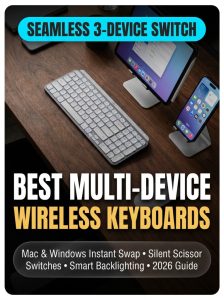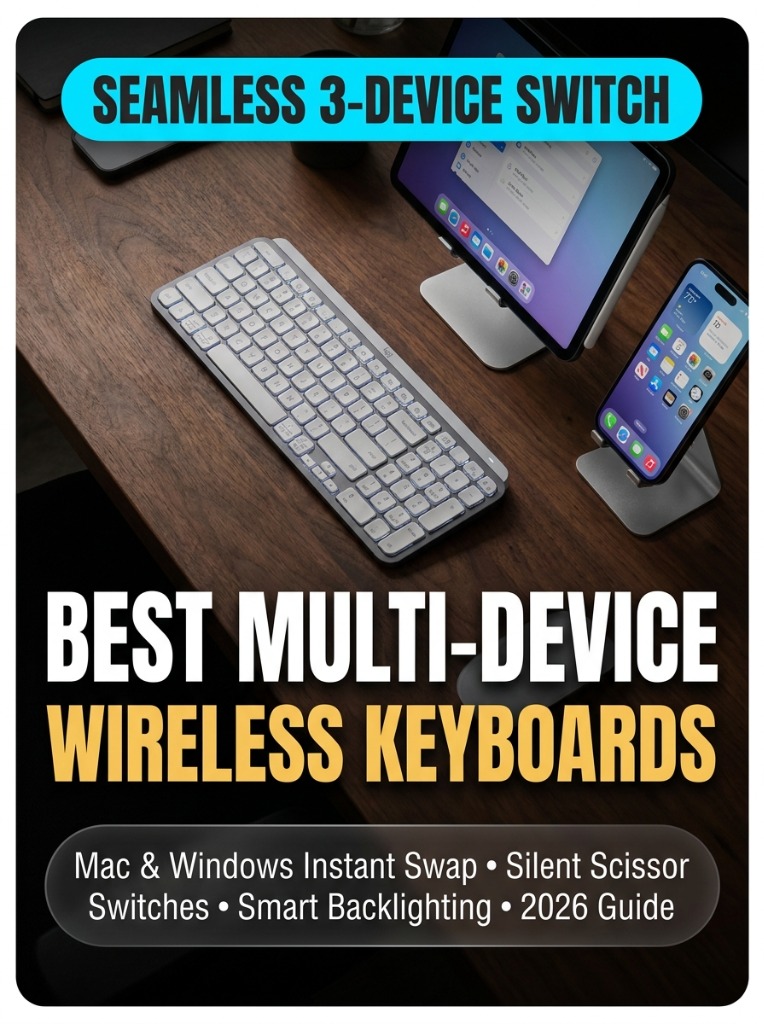
If your daily workflow involves toggling between a company-issued Windows laptop, a personal MacBook, and an iPad on your desk, keeping separate keyboards cluttering your workspace is an enormous productivity bottleneck.
Modern multi-device wireless keyboards let you pair with up to three or four host devices simultaneously via Bluetooth Low Energy and high-speed 2.4GHz wireless receivers. With a single tap of an Easy-Switch button, your keystrokes switch instantly between operating systems with complete dual-printed layout support for both Command and Windows keys.
Over the past two months, our workstation team evaluated five top-rated multi-device keyboards across 400+ hours of software development, spreadsheet analysis, and long-form writing. We measured Bluetooth latency, tactile scissor-switch feedback, smart backlighting battery drain, and cross-platform clipboard syncing.
Quick Comparison Table: Best Multi-Device Keyboards
| Model | Switch Type | Devices Supported | Battery Life | Best For |
|---|---|---|---|---|
| Logitech MX Keys S | Low-Profile Scissor | 3 Devices (Flow Sync) | Up to 5 Months (No Backlight) | Best Overall Productivity |
| Keychron K3 Max | Low-Profile Mechanical (Gateron) | 3 Bluetooth + 2.4G + USB | Up to 78 Hours | Best for Mechanical Typists |
| Logitech K380s Pebble 2 | Compact Scissor (Chiclet) | 3 Devices (Bluetooth) | 36 Months (2x AAA) | Best Budget Travel (<$30) |
1. Logitech MX Keys S — The Undisputed Multi-Device Champion
The Logitech MX Keys S remains the gold standard for multi-computer setups. Its spherically dished keycaps match the natural curvature of your fingertips, providing fluid, whisper-quiet tactile response that reduces typos during speed typing.
- Logitech Flow Integration: When paired with an MX Master mouse, moving your cursor to the edge of your Windows screen automatically shifts keyboard typing focus to your Mac—even allowing copy-paste transfer of files and text.
- Smart Proximity Backlighting: Hand-detection sensors illuminate key backlighting the split second your fingers hover above the board, preserving battery life when idle.
- Dual Layout: Seamless key labels for both macOS (Command/Option) and Windows (Ctrl/Alt/Start).
2. Keychron K3 Max — Best for Mechanical Enthusiasts
If you crave the tactile actuation of mechanical switches but still demand a slim, low-profile form factor that slips easily into a laptop sleeve, the Keychron K3 Max is unmatched.
- Triple Connectivity: Switch between 2.4GHz ultra-low latency wireless (1000Hz polling rate), 3 Bluetooth 5.1 profiles, and wired USB-C.
- QMK/VIA Programmability: Remap any key, create multi-device macros, and customize layer functions directly in your web browser.
Frequently Asked Questions (FAQ)
Can I copy-paste text between Mac and Windows using a multi-device keyboard?
Yes. When using keyboards supporting software suites like Logitech Flow (such as the MX Keys S), your clipboard data transfers seamlessly across operating systems when your mouse crosses screen borders.